
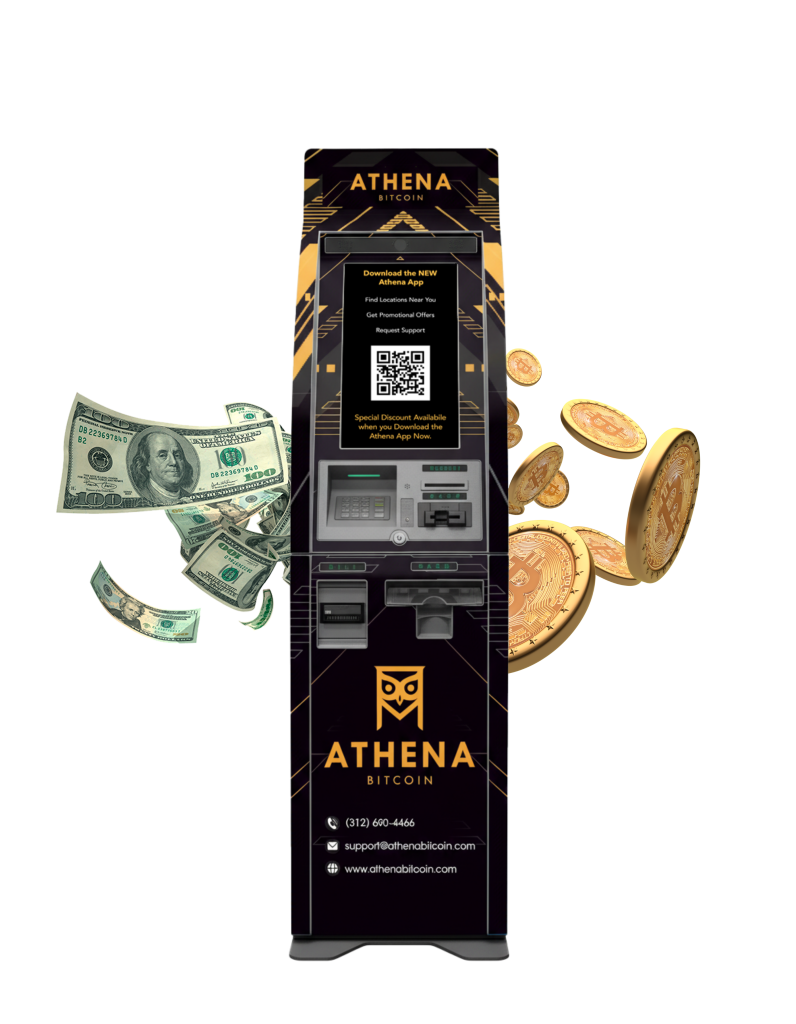






Think of it as digital cash—you can send it to people or businesses anywhere in the world, online or in person. Like cash, Bitcoin transactions can’t be reversed, so it’s important to pay only trusted parties. Today, Bitcoin is used for saving, investing, transferring value globally, and making purchases at thousands of retailers. It continues to reshape how people exchange, store, and think about money.
Like a street address, the Bitcoin address tells the network where you want your bitcoin to go. Our ATMs need an address to know where to send the bitcoin you purchase.
Bitcoin addresses are generated by Bitcoin wallets and formatted in a particular way. Here are examples of the three currently valid types of Bitcoin addresses (i.e., beginning with 1, 3, or bc1). Do not use these yourself:
1NVGTyARWtv5WDnciCav9a3i8zK8FbBDWH
33bQUcsUZEnXGk4QTodXeRWEHQJcfVopbs
bc1qawen92tz06p8hzc746xzmp49jcq9d73jyrzlqu
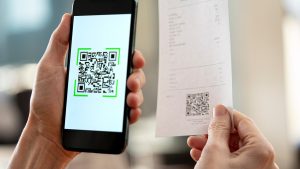
QR Code: A visual representation of a Bitcoin address – used to scan an address with a camera or at an ATM
The difference is that instead of storing a collection of bills and cards, a Bitcoin wallet stores a collection of Bitcoin private keys. A private key is used to “unlock” bitcoin at a particular address and authorize its t
ransfer to a new address.
A Bitcoin wallet is a free, digital app you install on your smartphone / PC or a hardware device built for this purpose. While the Bitcoin network is distributed and verified by computers around the world, a Bitcoin wallet is controlled only by its owner. It’s important to keep your Bitcoin private keys safe by using a recommended wallet app and setting a strong, unique password or PIN.
Always make a backup of your username/password OR your recovery phrase in case you lose or damage your wallet!
Step 1: You must download a mobile wallet app which has the ability to move (or “sweep”) bitcoin from a paper wallet. If you don’t have one, the Edge wallet for mobile phones will work.
Step 2: Once you have the Edge wallet downloaded, open it and tap to create a new account. Write down your username and password onto paper and store that safely away from your phone!
Step 3: Go through the introductory screens. Once you reach the main Wallets screen, tap on the three lines icon at the top right to open the main menu. Tap on Sweep Paper Wallet from that menu. You may need to scroll the menu with your finger to find it.
Step 4: Your camera should open up within the app (approve any camera permissions). Scan the private key QR code on your paper wallet (the bottom QR code).
Step 5: Edge should give you a popup window. Press “Import” to move the bitcoin. The coins should show up almost immediately in your wallet balance as pending. You should now be able to send this bitcoin on to an external address right away or store them in this wallet for later use.
See our How to Use a Paper Wallet guide for more detail and instructions for different types of wallets.
Most of the time, if you don’t see the coins in your wallet, it just needs to be refreshed by closing out of the app and opening it back up again. Websites, on the other hand, will not typically show the coins until the transaction has been confirmed on the Bitcoin network, which can take up to an hour unless the network is running slow due to high transaction volume. If you are concerned about your coins not being sent, please check your transaction on the network by using a block explorer to find your transaction using your address.
Read more on this topic here: How To Find Your Transaction Status
See our widget here for the current price for one full bitcoin. You do not have to buy a full bitcoin at the ATM. Bitcoin is highly divisible, and the ATM will send to the address you enter the fraction of a bitcoin you purchased (corresponding to the amount of cash you entered minus our fees). Your receipt will show the precise amount of bitcoin you purchased, and your wallet will calculate and show the current USD (or other fiat currency) equivalent value for you automatically.
Unfortunately, Bitcoin transactions are always one-way, like mailing physical cash; they cannot be cancelled, modified, or reversed after you press “Finish” at our ATMs. Scam artists know this, so they try to convince victims with a variety of false information to purchase digital currency (in addition to gift cards and other irreversible payment forms). If you’ve been a victim of a scam, please report it and the Bitcoin addresses you were given to the FBI’s Internet Crime Complaint Center at https://www.ic3.gov. You can also call VictimConnect at 855-484-2846 (Mon-Fri 9:00 am - 5:00 pm) or chat through their website: https://victimconnect.org
If you have sent bitcoin to the wrong address, instead, it is important to think back to where you obtained that address. You will need to contact whomever gave you that address or whatever website provided you with that address in order to possibly obtain a refund. Athena cannot access the bitcoin or other coin once it has left our ATMs. Please be sure to double-check every address shown to you on the ATM screen before inserting any cash.
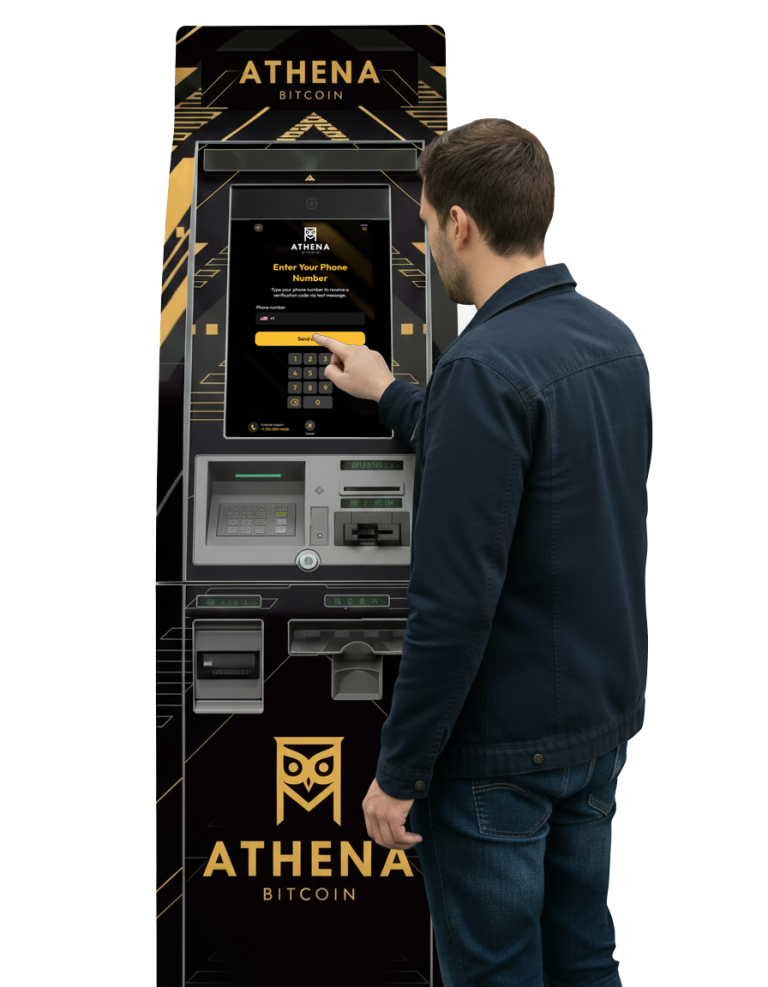
Step 1: Verify your cell phone number by typing it in and inputting the SMS code.
Step 2: Select Bitcoin as the coin type.
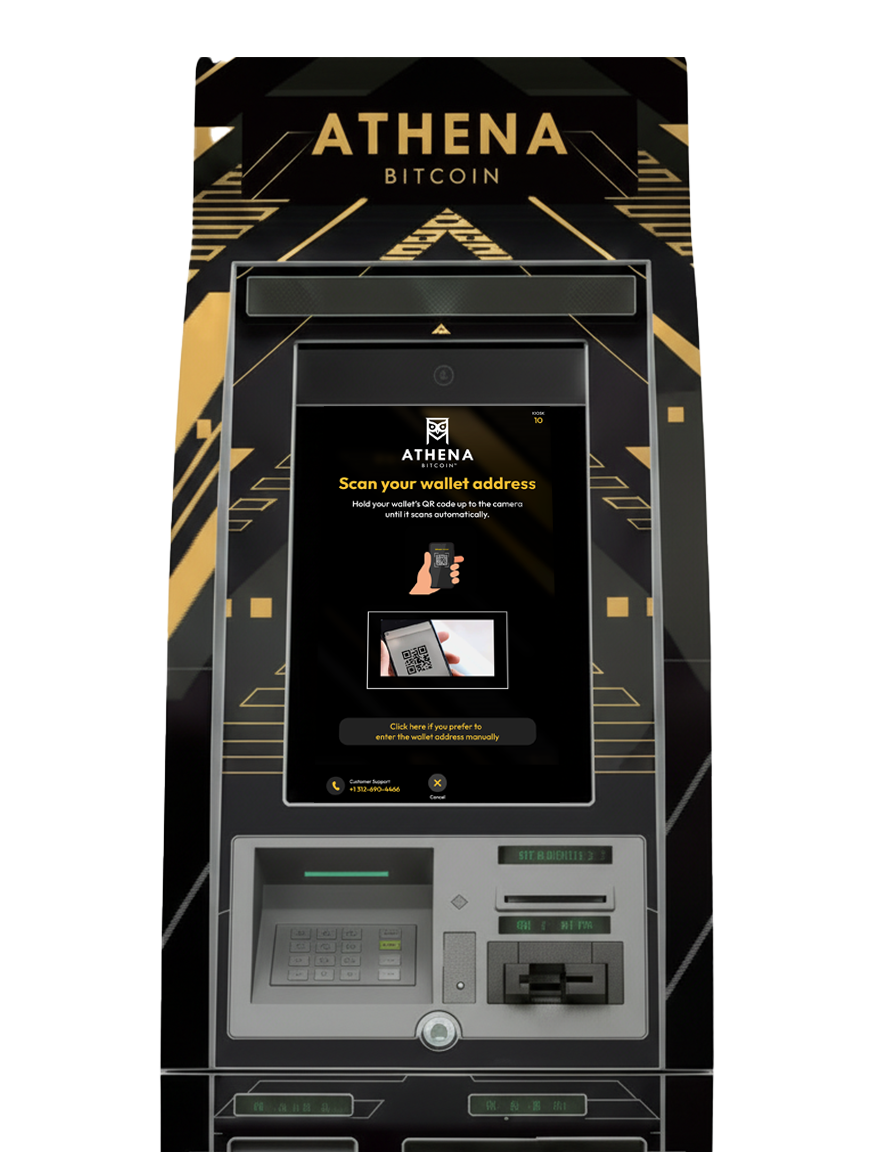
Step 3: Choose a destination of where you would like the bitcoins to be sent. You can choose to scan a QR code (recommended), print a paper wallet, or manually enter your wallet address. Our machines can work with any bitcoin wallet, however, if you don’t have one, you can find suggestions on Our Most Recommended Bitcoin Wallets page.
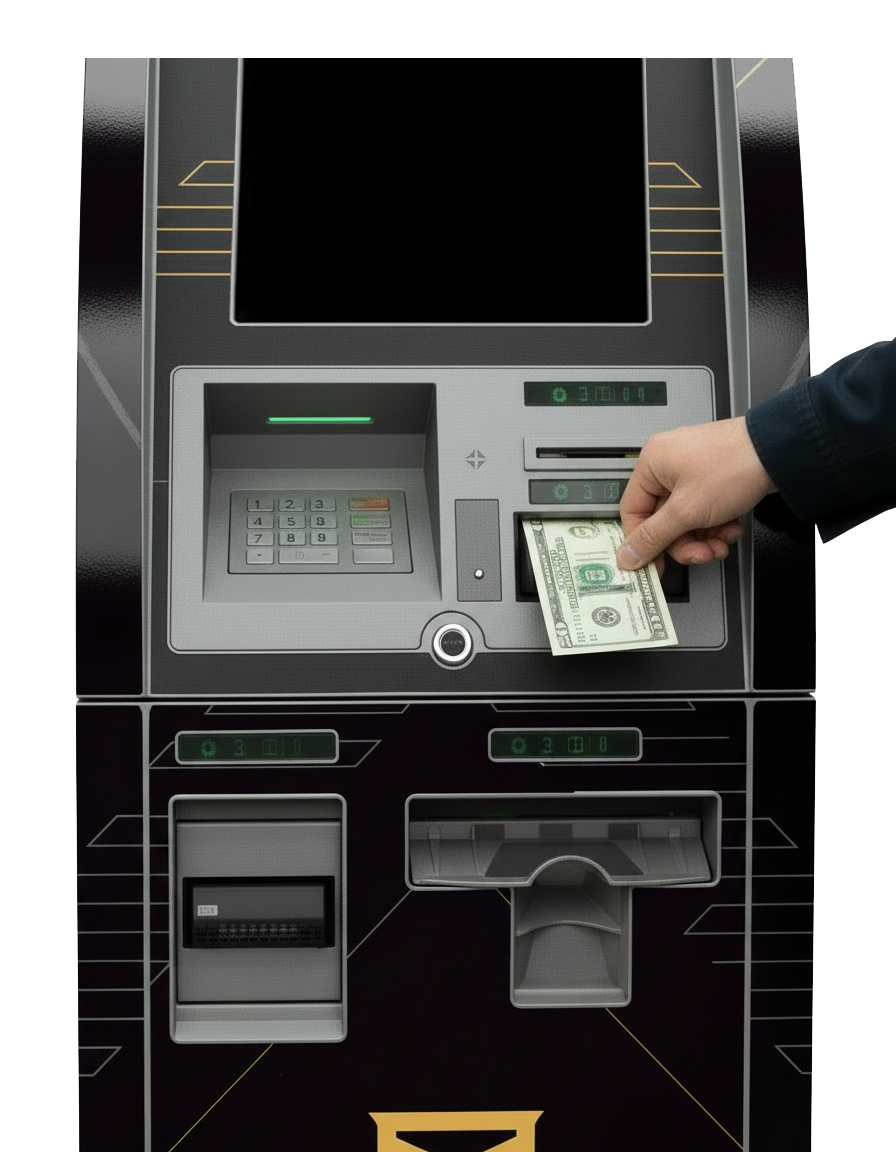
Step 4: Insert cash.
Step 5: Hit “Finish” and choose to receive a paper or email receipt.
Also see our full Instructions page for how to buy bitcoin and other assets at our ATMs.
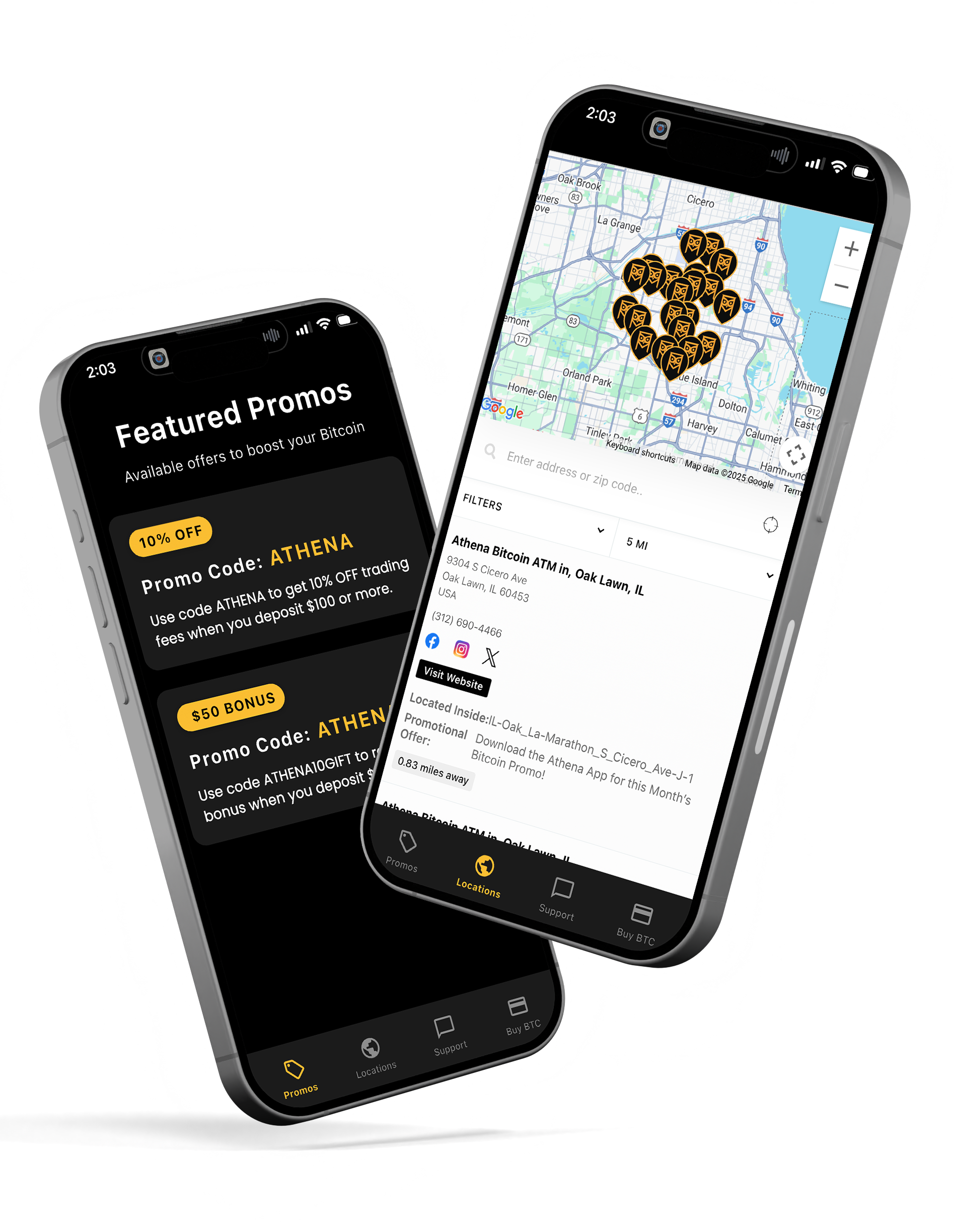
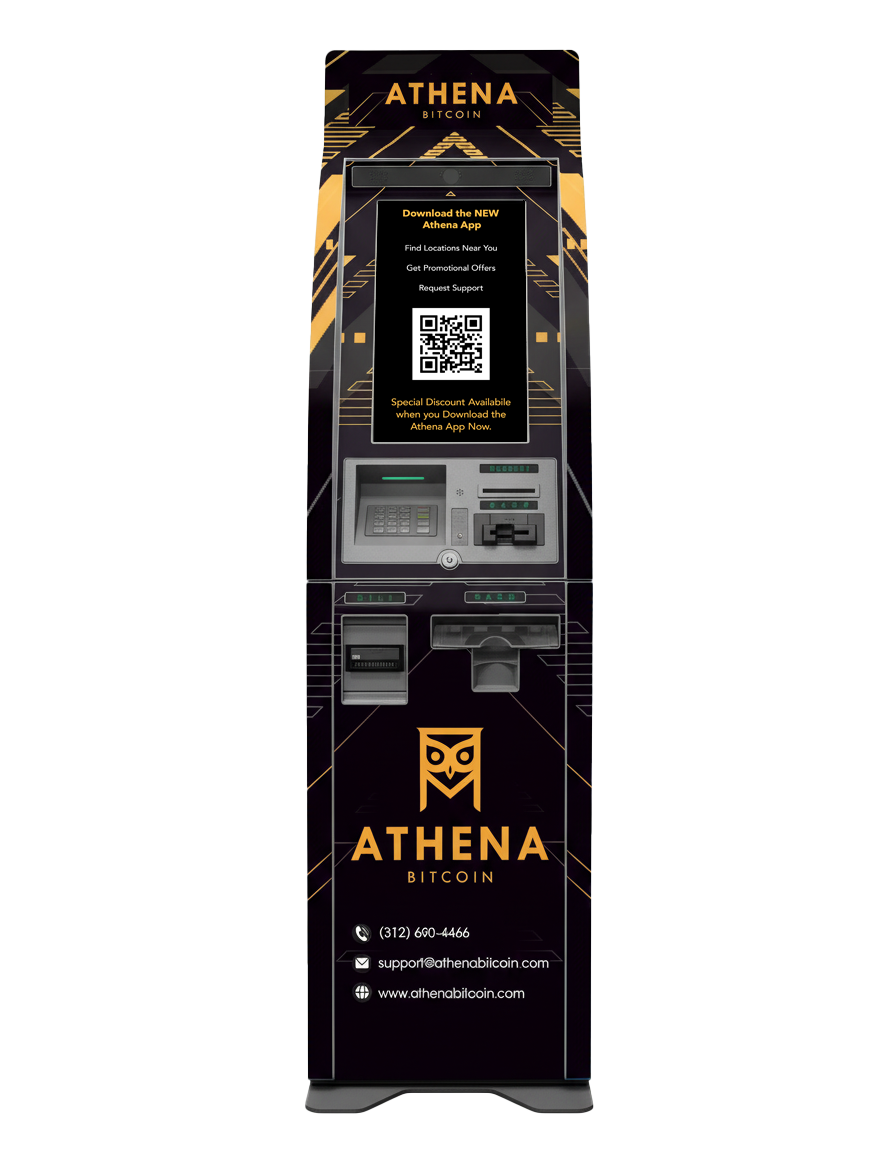
You can easily locate an Athena Bitcoin ATM by using our Athena ATM Locator or by downloading the Athena Bitcoin app. Both options let you search by city, state, or zip code to find the nearest machine, see hours of operation, and get directions right from your phone. With thousands of locations across the U.S. and Latin America, chances are there’s an Athena Bitcoin ATM near you.
Customers need to be at least 18 years of age to use any Athena-owned service, including the ATMs.
To buy Bitcoin at an Athena ATM, you’ll need a few simple things:
A mobile phone – Used to verify your identity and receive transaction confirmations.
A Bitcoin wallet – Have your wallet app ready on your phone to scan the QR code where your Bitcoin will be sent.
Cash – Insert the amount you want to convert into Bitcoin. (Some machines may also support debit.)
A valid ID – Required for larger transactions to meet compliance regulations.
With these in hand, the process is quick: scan your wallet QR code, insert cash, confirm, and your Bitcoin is sent instantly.
Yes. If prompted, scan your government-issued ID and follow the on-screen instructions. If not prompted, continue.
Yes. Athena Bitcoin ATMs do not accept debit or credit cards, so bring cash.
Turn up your screen brightness, avoid glare, hold the phone steady, and keep the QR code centered. If it still won’t scan, choose Enter Address and input it manually.
Most purchases appear within 20 minutes after you tap Finish. Some wallets or platforms take longer to display incoming Bitcoin. Refresh your wallet and verify the address on your receipt.
You need a destination to receive Bitcoin. If you don’t have a mobile wallet, follow the on-screen prompts to create one (paper wallet option) and move it to a mobile wallet later.
Always double-check the first and last characters before confirming. If funds are sent to an incorrect address, the transaction may not be recoverable.